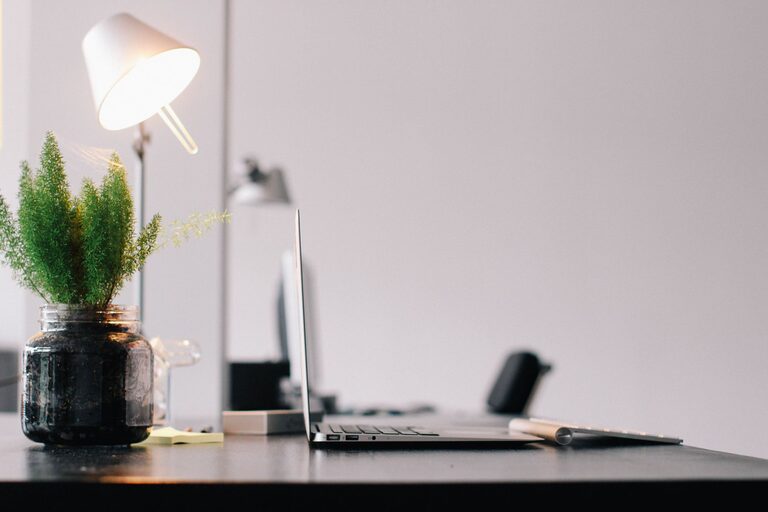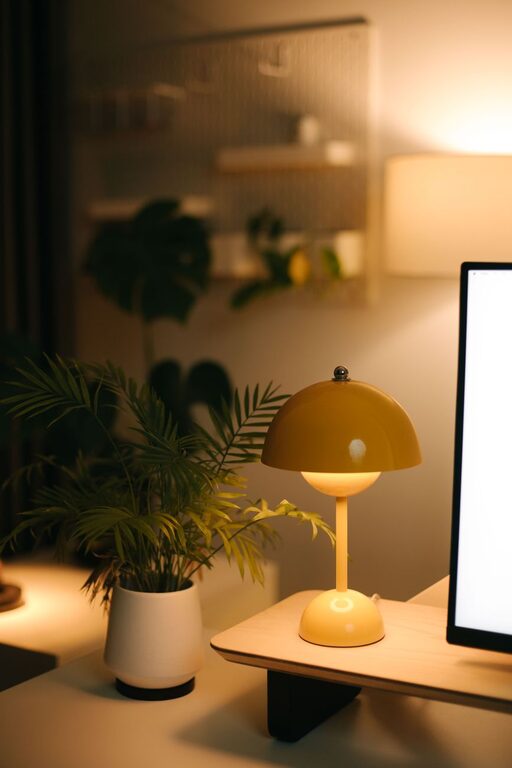
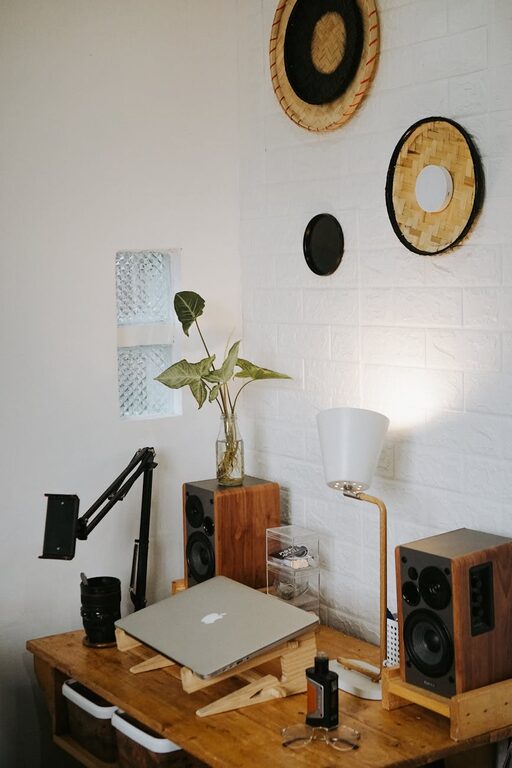
Creating a cozy and productive home office space is essential for anyone working remotely or spending time on personal projects. A well-designed workspace not only boosts your efficiency but also makes your workdays more enjoyable. Here, we’ll explore helpful tips on how to set up a home office that balances comfort and productivity.
Choose the Right Location
Consider Natural Light
Placing your office near a window can improve mood and energy levels. Natural light reduces eye strain and fosters a lively atmosphere. If natural light is limited, invest in good-quality daylight bulbs to simulate sunlight.
Minimize Distractions
Select a quiet corner or room away from high-traffic areas. If space is tight, use room dividers or screens to create a dedicated workspace, helping you focus better.
Invest in Comfortable Furniture
Ergonomic Chair
An ergonomic chair supports your posture and prevents back pain, which is vital for long hours at your desk. Look for adjustable features like seat height, lumbar support, and armrests.
Functional Desk
Choose a desk with enough surface area for your computer, documents, and other essentials. Consider standing desks or adjustable desks if you want the option to change your working position during the day.
Organize Your Space Efficiently
Declutter Regularly
A tidy workspace encourages focus and cuts down on stress. Keep only necessary items on your desk, and store the rest neatly in drawers or organizers.
Smart Storage Solutions
Use shelves, filing cabinets, or wall-mounted organizers to keep your supplies and papers in order. Label containers and files so you can find things quickly when needed.
Personalize Your Office with Calming Elements
Add Plants
Houseplants can enhance air quality and bring a touch of nature indoors. They also add color and life to your office, promoting calmness.
Use Soft Textures and Warm Colors
Incorporate rugs, cushions, or curtains in warm tones to make the room inviting. Soft materials contribute to a cozy environment that can reduce stress.
Set Up Proper Lighting
Task Lighting
Make sure you have focused lighting for reading and computer work, like an adjustable desk lamp. This helps reduce eye fatigue.
Ambient Lighting
Complement task lighting with warm ambient lights like floor lamps or wall sconces to create a balanced atmosphere.
Manage Technology and Cables
Reliable Equipment
Use dependable technology for a smooth workflow — a good computer, headset, printer, and fast internet connection.
Cable Management
Keep cables organized with clips, sleeves, or cable boxes to avoid clutter. This not only looks better but also prevents accidents.
Establish Daily Routines and Boundaries
Dedicated Work Hours
Set clear start and end times for your workday to maintain balance and productivity.
Breaks and Movement
Incorporate regular breaks to stretch or walk around. Movement refreshes the mind and body, helping you stay alert.
Optimize for Productivity Tools
Use Helpful Apps
Choose apps for time management, task tracking, and note-taking that suit your workflow.
Keep Supplies Handy
Stock your office with essentials like pens, notebooks, chargers, and sticky notes to avoid interruptions.
Final Thoughts
Designing a cozy and productive home office requires a thoughtful balance between comfort and practicality. By focusing on the right location, ergonomic furniture, organization, and personal touches, you can create a space that inspires focus and creativity. Remember, your home office should be a place where you enjoy spending time while staying productive. Take small steps to customize and improve your workspace, and you’ll likely see positive changes in your work habits and overall well-being.